
Welcome to Campfire via InfoStack!
If you've purchased an InfoStack bundle that includes Campfire, you're eligible for 3 months of unlimited access to Campfire.
The Most Versatile Writing Software
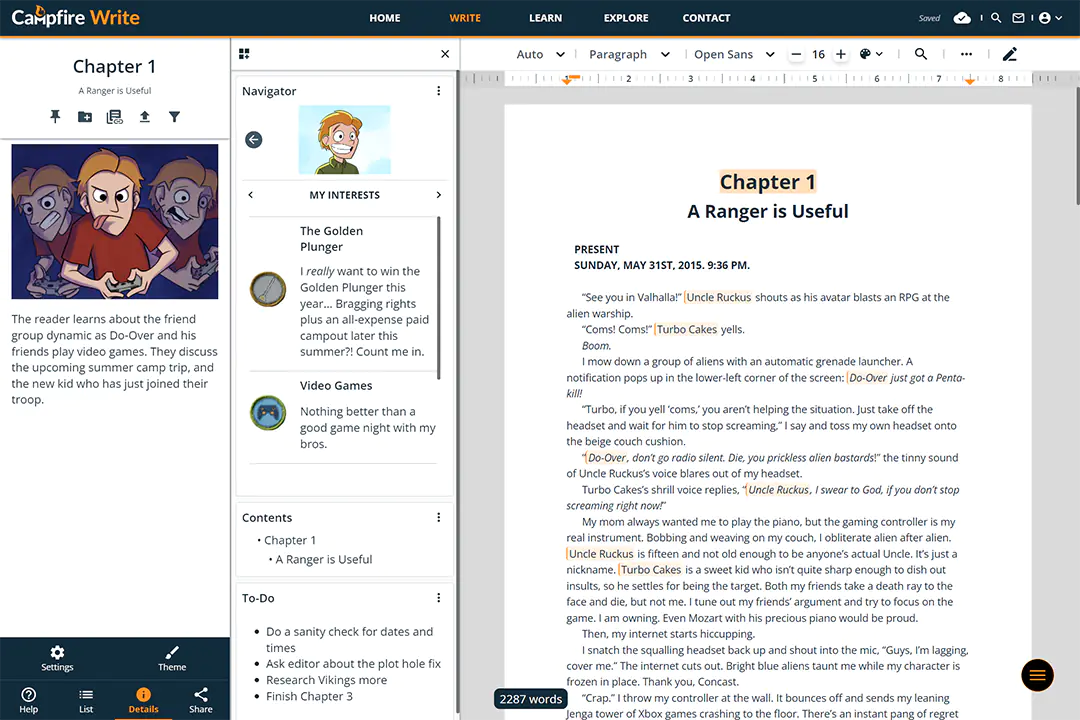
Organize and Write Your Story
Campfire is organized into modules, each one offering a different type of story element you can create. Try each one for free!
How to Redeem
To redeem your reward, you'll first need to create a free account using the Sign Up button at the top right. Then, head over to the Modules and Subscriptions section of your profile. There you'll see a Redeem Rewards link. Click that, and under the section titled InfoStack Key, enter the key you received from InfoStack for this reward. Finally, click Redeem Reward to unlock your free access!
If you run into any trouble at all, don't hesitate to contact us.
Join Campfire Today
Publish and organize your writing, follow your favorite creators, and more!
WriteWriting AppsWord ProcessorWorldbuilding ToolsCharacter CreatorStory PlanningInteractive MapsCalendar CreatorTimeline MakerConlang SoftwareSoftware PricingGift CampfireRedeem Modules
©2019-2026 Campfire Technology LLC. All Rights Reserved